
Notes, private chat, tasks, projects, people
Run your life and work. Keep the source behind every next step.
Use notes, private chat, tasks, projects, people, files, and saved sources together. Supported AI workflows check access before organizing or retrieving selected context.
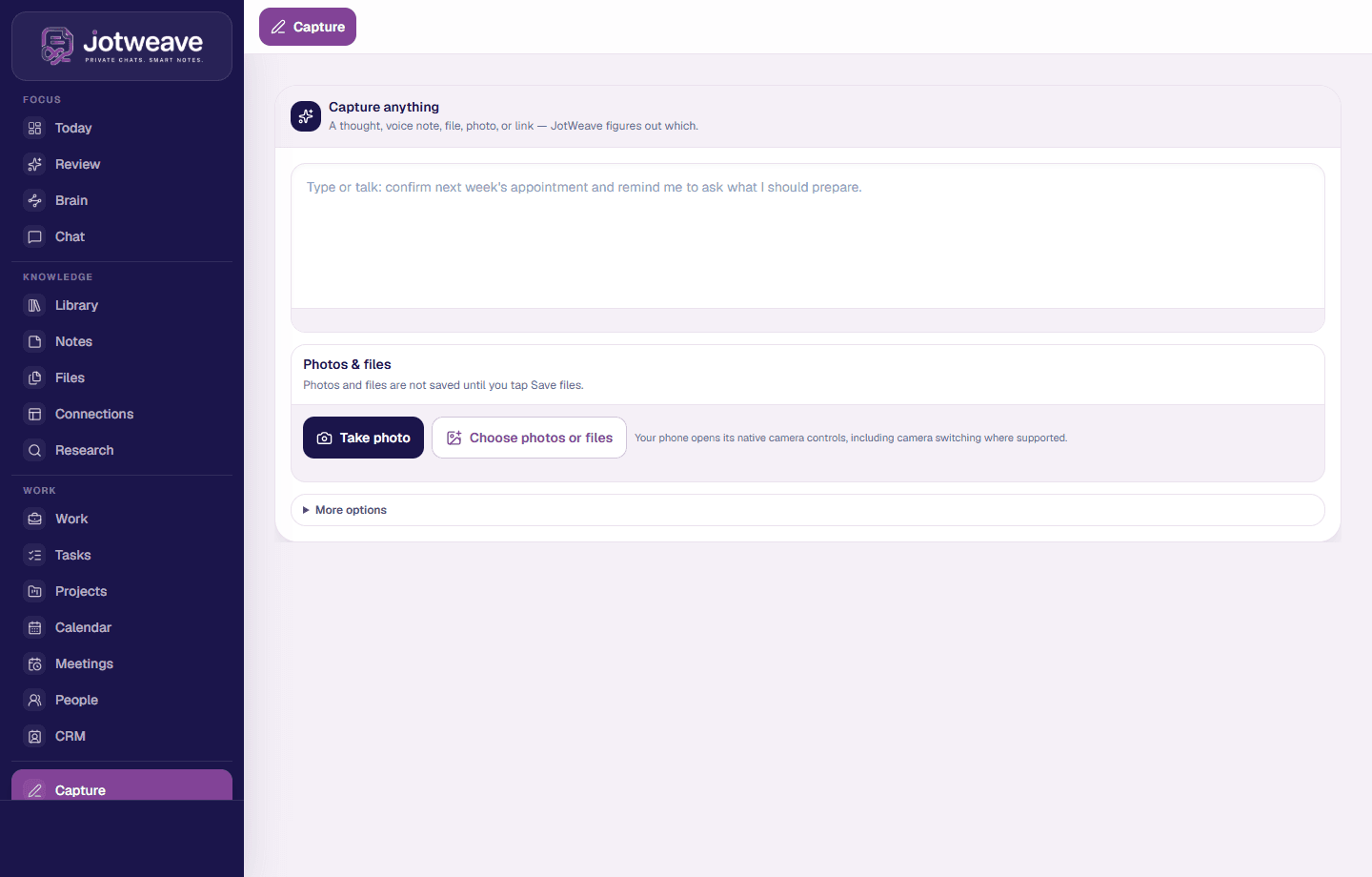
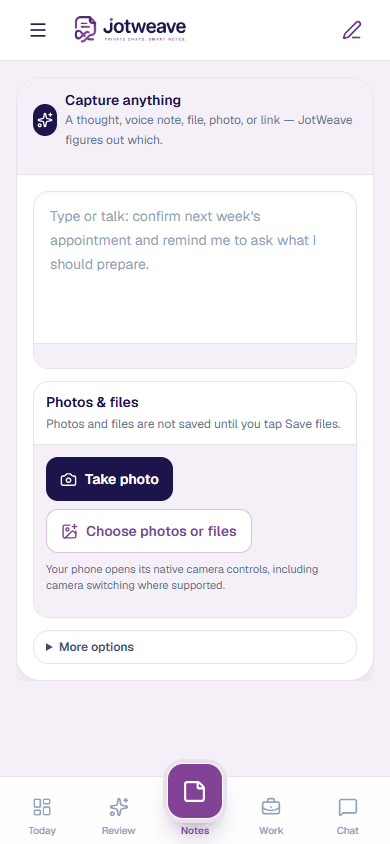
One connected workspace
The tools are the product. Shared context is the advantage.
Notes, chat, tasks, projects, meetings, people, files, and retrieval remain useful work surfaces of their own. JotWeave connects only the context each person is allowed to use.
Where work lives
Availability varies by workflow. Permissions, limits, and device requirements are explained where they matter.
One source, several useful returns
Review every boundary while the source is still clear.
JotWeave keeps the original and makes connection, sharing, and action choices visible rather than silently moving private work.
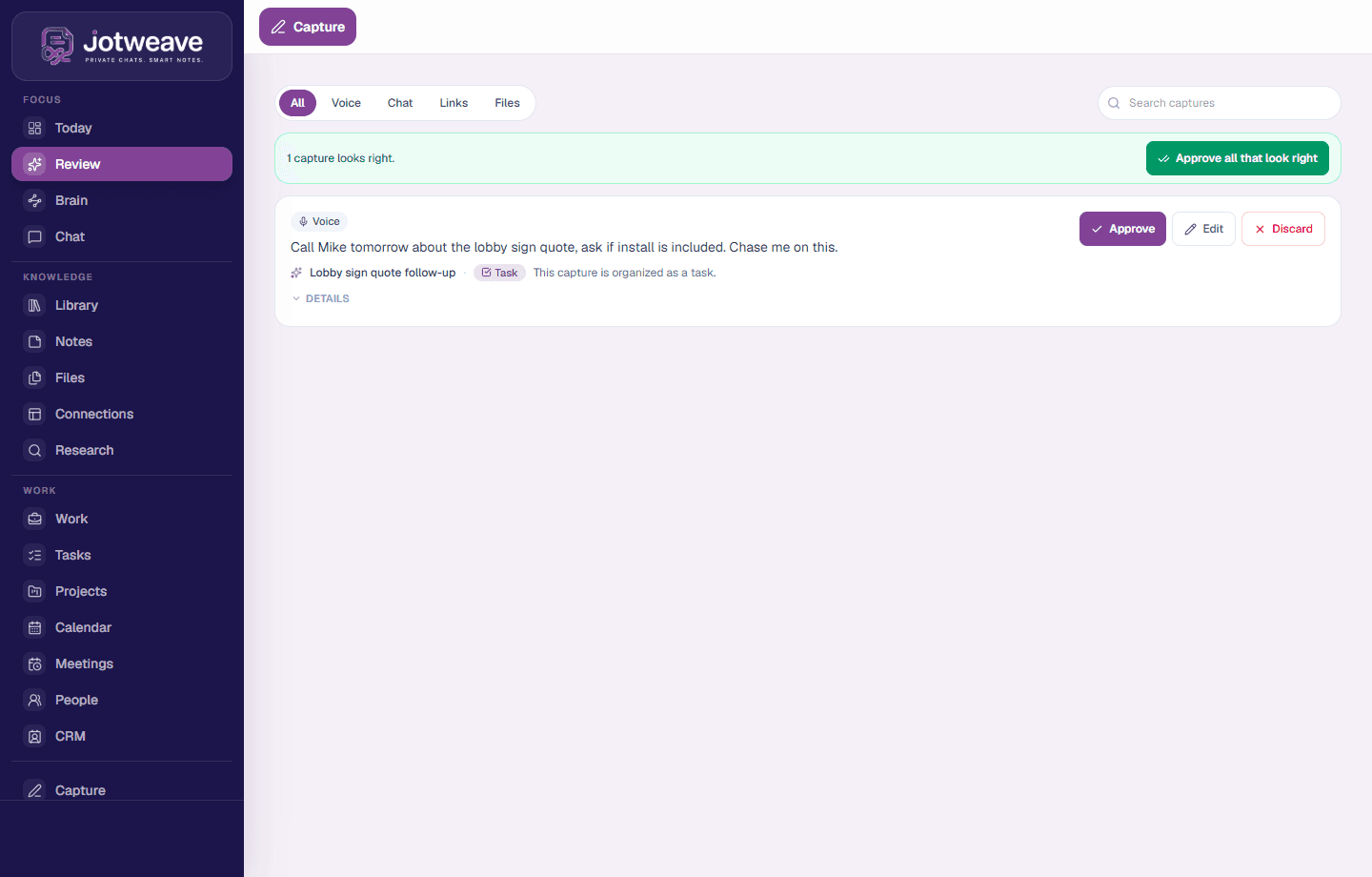
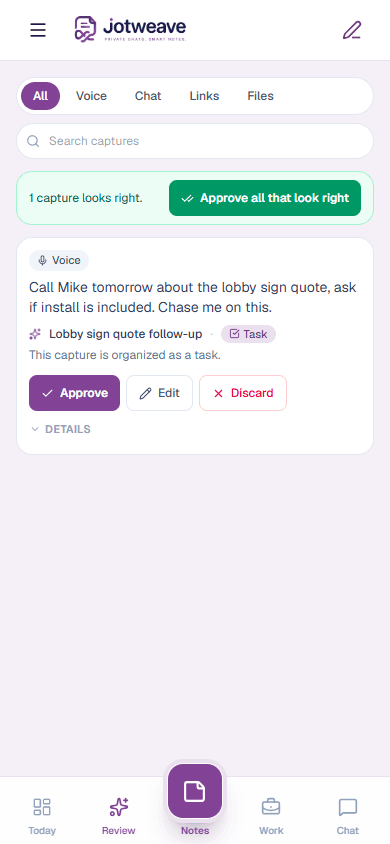
- 1Keep the sourceBegin with a note or member-scoped chat message and keep the original context intact.
- 2Understand the contextWhere supported, JotWeave can suggest people, projects, and saved sources that appear related.
- 3Review the actionFor supported captures and chat messages, review an action before it is added to a task, reminder, or project context.
- 4Retrieve within scopeSupported answers return linked accessible sources to review, limited to the context you selected.
Keep the thread intact
The work should keep the reason it started.
A useful system holds onto the source behind a decision, the conversation behind a promise, and the context behind the next action.
See how follow-through worksPersonal and team boundaries
Personal by default. Shared only where you choose.
Choose a project or team destination only when the work belongs there. Supported AI workflows check access before using the context you select. JotWeave is not end-to-end encrypted, and invoked AI providers can read the content they process.
Review the boundary
Keep it personal, connect it privately, or share selected work with a project or team when that audience is right.
Scope is part of the work
From private thought to selected collaboration.
- 1PersonalNew captures and personal sources start in your own scope.
- 2Share selected workChoose a project or team destination only when the work belongs there.
- 3AI follows accessSupported AI workflows check access before using the selected context.
Access rules
Honest limits
Compare and decide
If your current stack stores notes but forgets the work, compare the loop.
JotWeave keeps notes beside private chat, tasks, people, projects, files, and saved sources. Supported organization, Ask My Brain, and Chase Me workflows have their own availability and limits.
FAQ
The important questions, answered plainly.
- What is JotWeave?
- JotWeave brings notes, private member-scoped chat, tasks, projects, people, files, and saved context together. Supported voice, organization, search, and meeting workflows have their own availability and limits.
- Does JotWeave include private chat?
- Yes. JotWeave has direct, group, and workspace conversations with attachments, reactions, pins, and replies. Supported message actions can be reviewed before they create or connect work; availability varies by conversation and destination.
- Is JotWeave end-to-end encrypted?
- No. JotWeave is not end-to-end encrypted. The service and selected AI providers can read content used for the features you invoke.
- How is this different from Notion, Evernote, or Apple Notes?
- JotWeave keeps notes, private chat, tasks, people, projects, files, and saved sources together. Supported personal, conversation, workspace, and project paths check access; organization, retrieval, and reminder workflows have their own limits.
- Will JotWeave send emails or calendar invites automatically?
- Supported external actions use a review or approval step. Exact behavior depends on the configured integration and initiating workflow.
- How do accounts work?
- JotWeave is public to explore. New accounts require a member-issued, time-sensitive invitation link. There is no public people directory or stranger messaging surface.
JotWeave
Run life and work in one connected place.
Explore notes, private chat, tasks, projects, people, files, and the supported workflows that connect them. Already have an account? Sign in and start weaving.